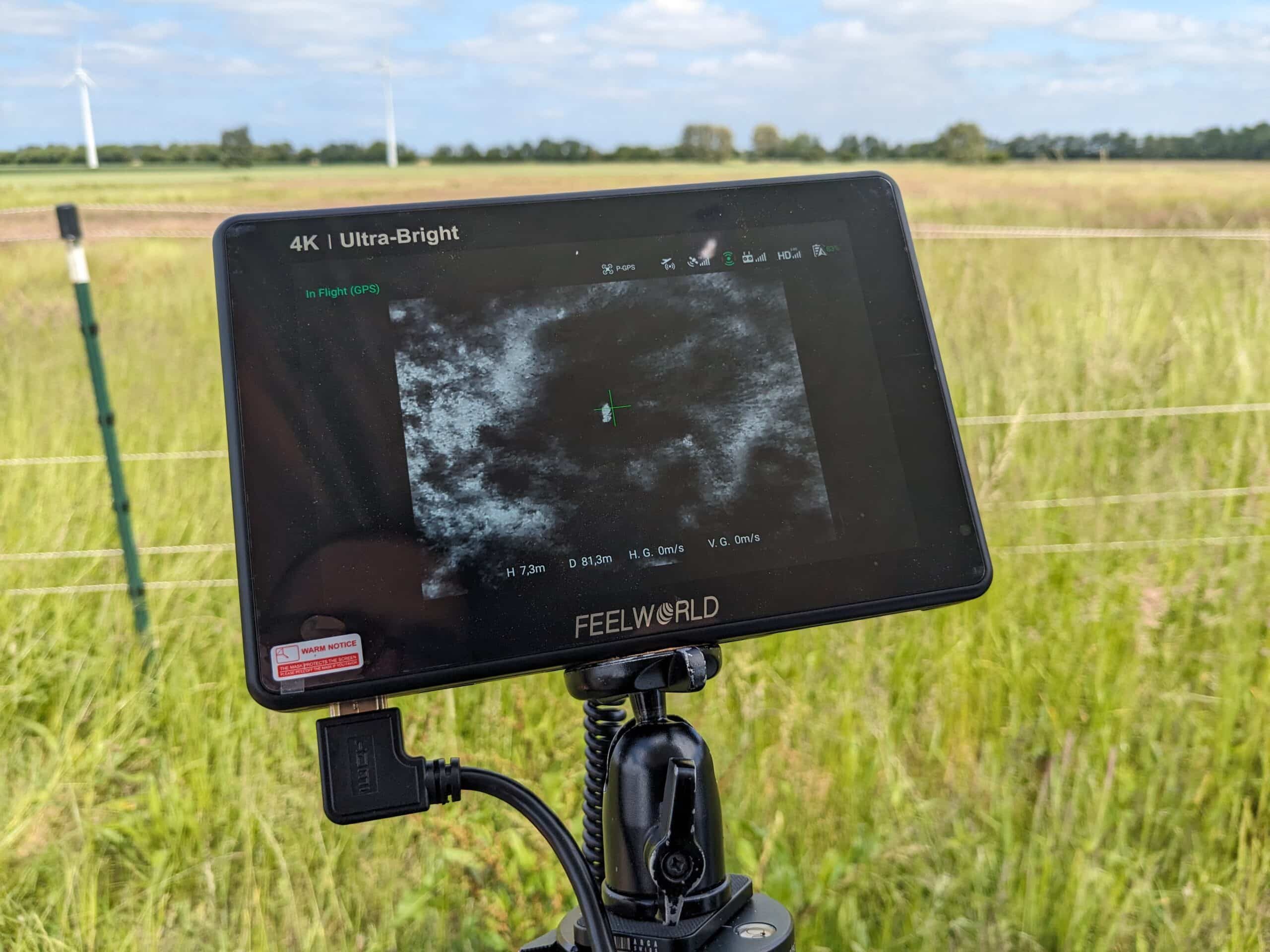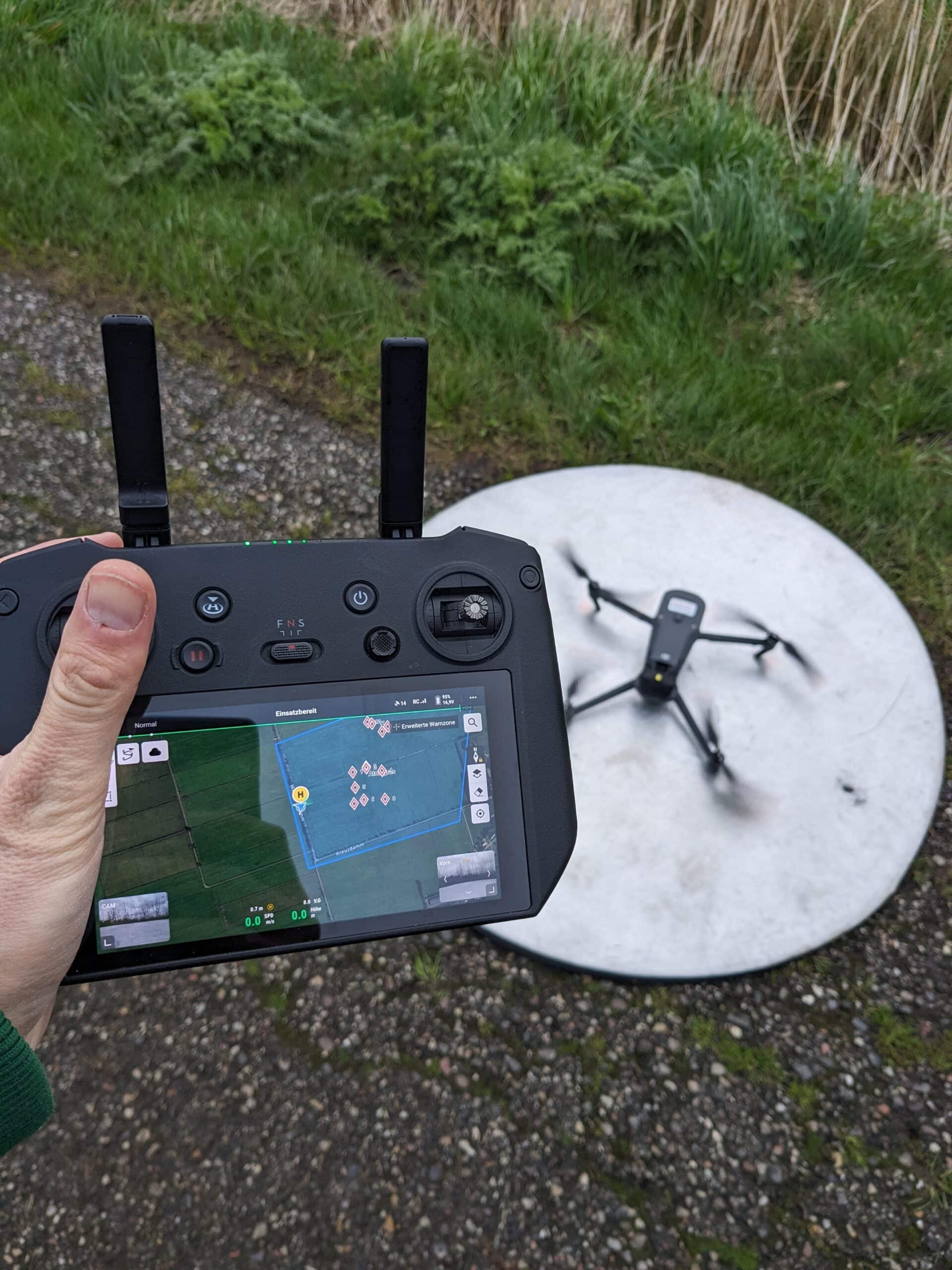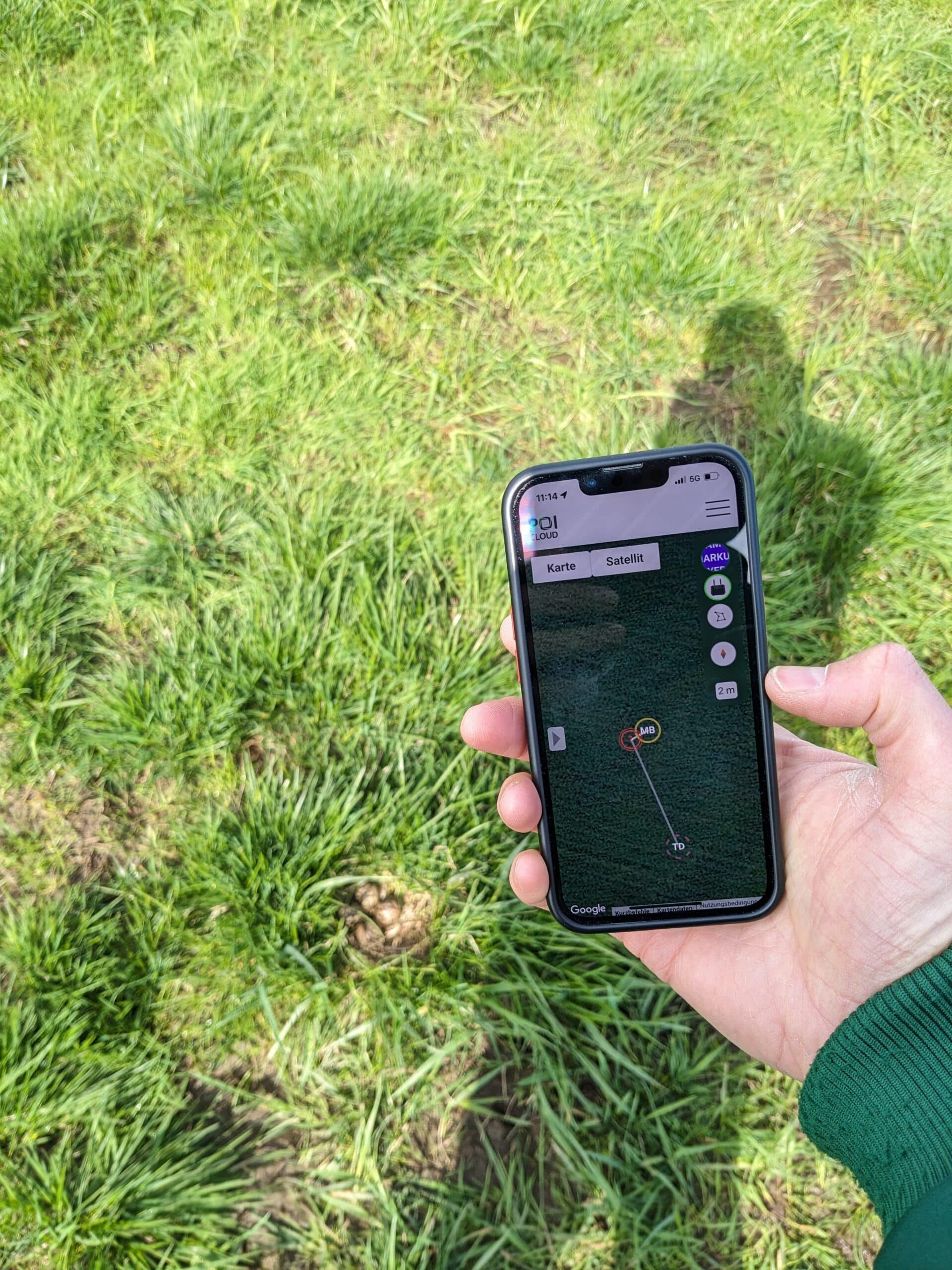
Thermal imaging drones have become indispensable tools in wildlife rescue, breeding bird protection, and species conservation. Our innovative software elevates this tool to a new level, expanding its functionality, increasing its performance, and opening up new possibilities in the use of drones. We provide the POISuite permanently free of charge with all our thermal imaging drones.
POISuite
Wildlife detection, cloud networking, team coordination and more.
thermalDRONES POIApp
Navigation
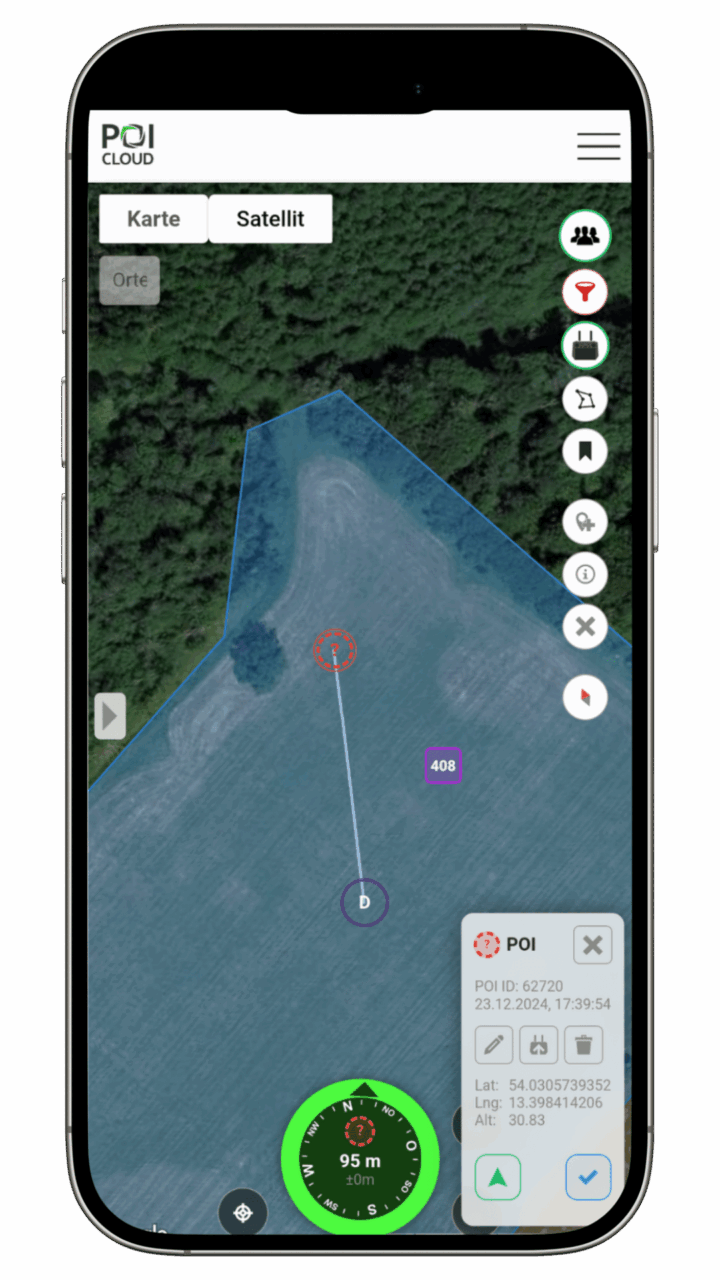
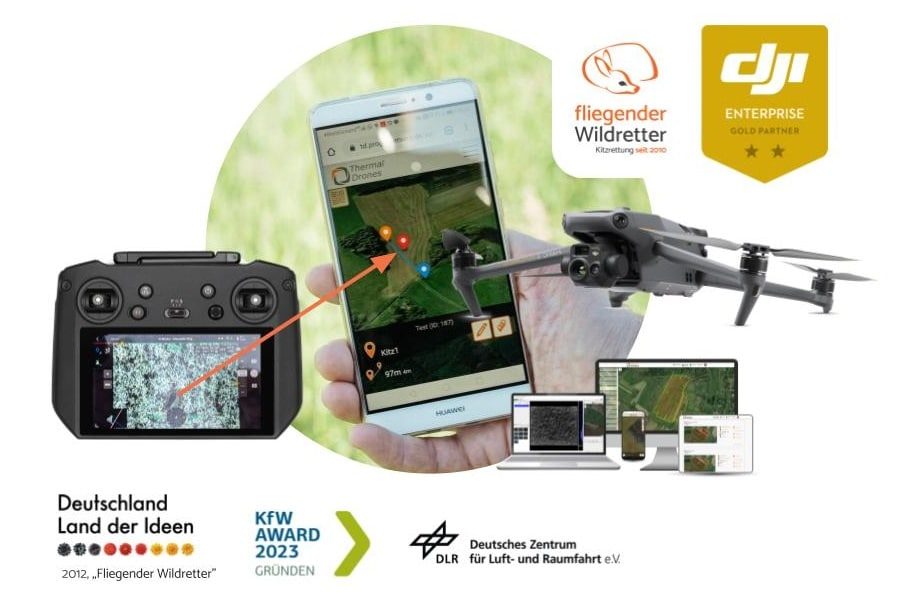
Transfer locations from the remote control to your smartphone with a single click.
Our app guides you directly to the area and the location, connects you to the drone, and assists you in coordinating your team.

thermalDRONES POICloud
Management
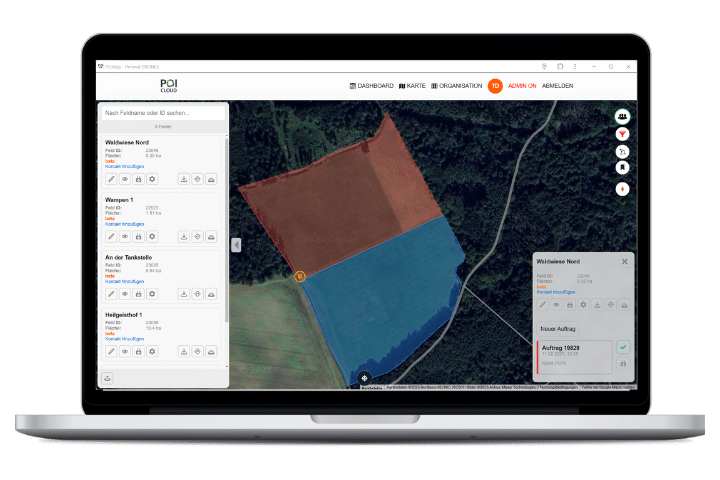
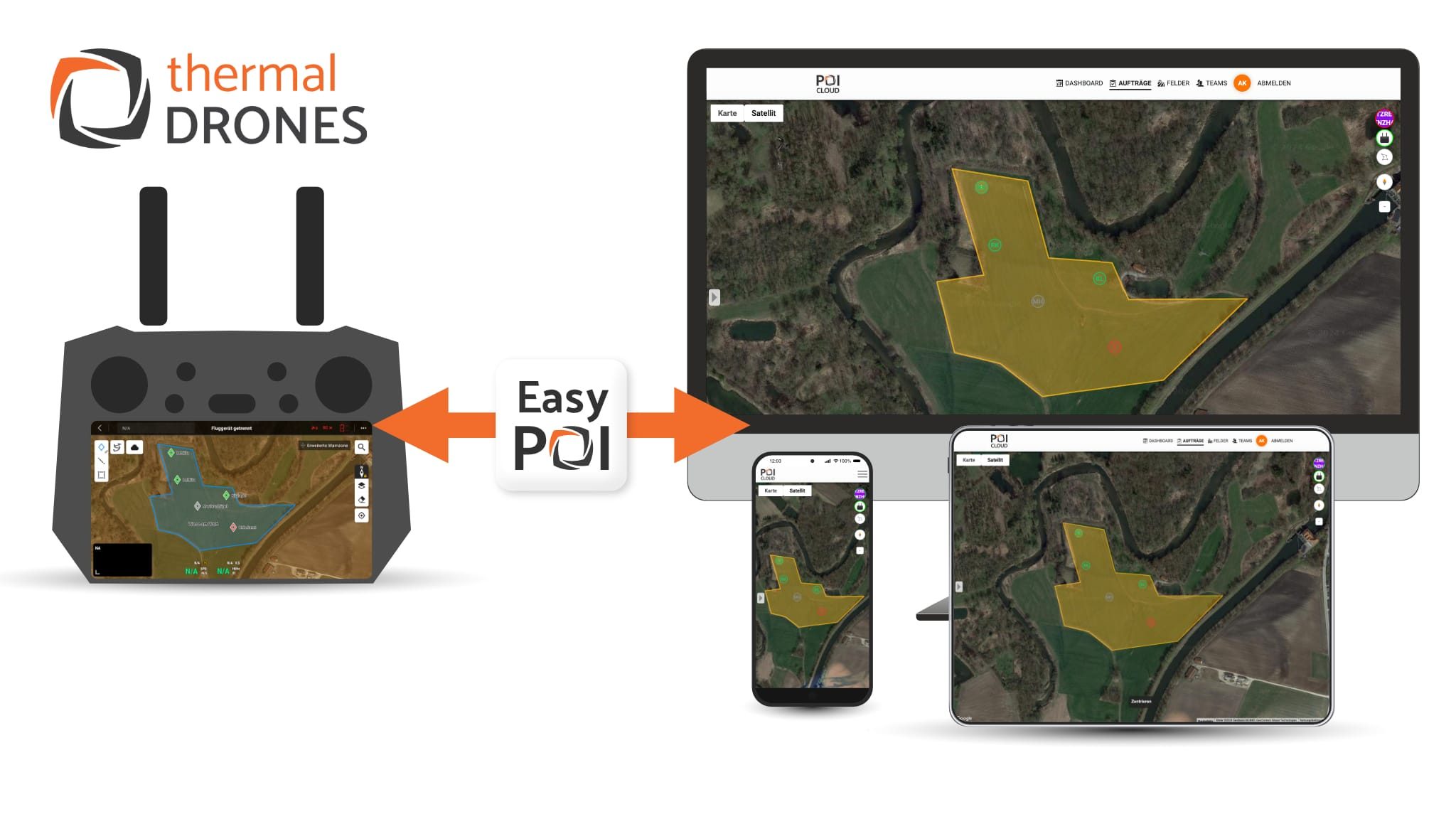
POICloud manages areas, orders, flight plans and finds. It coordinates teams and transfers missions directly to the remote control.
thermalDRONES POIConnect
Networking
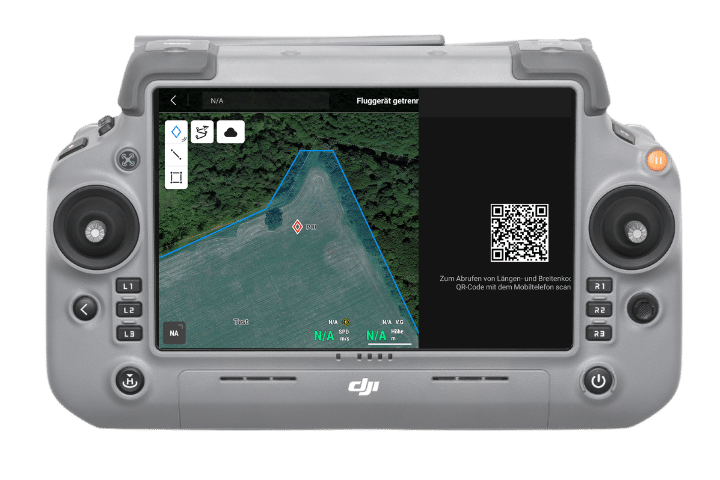
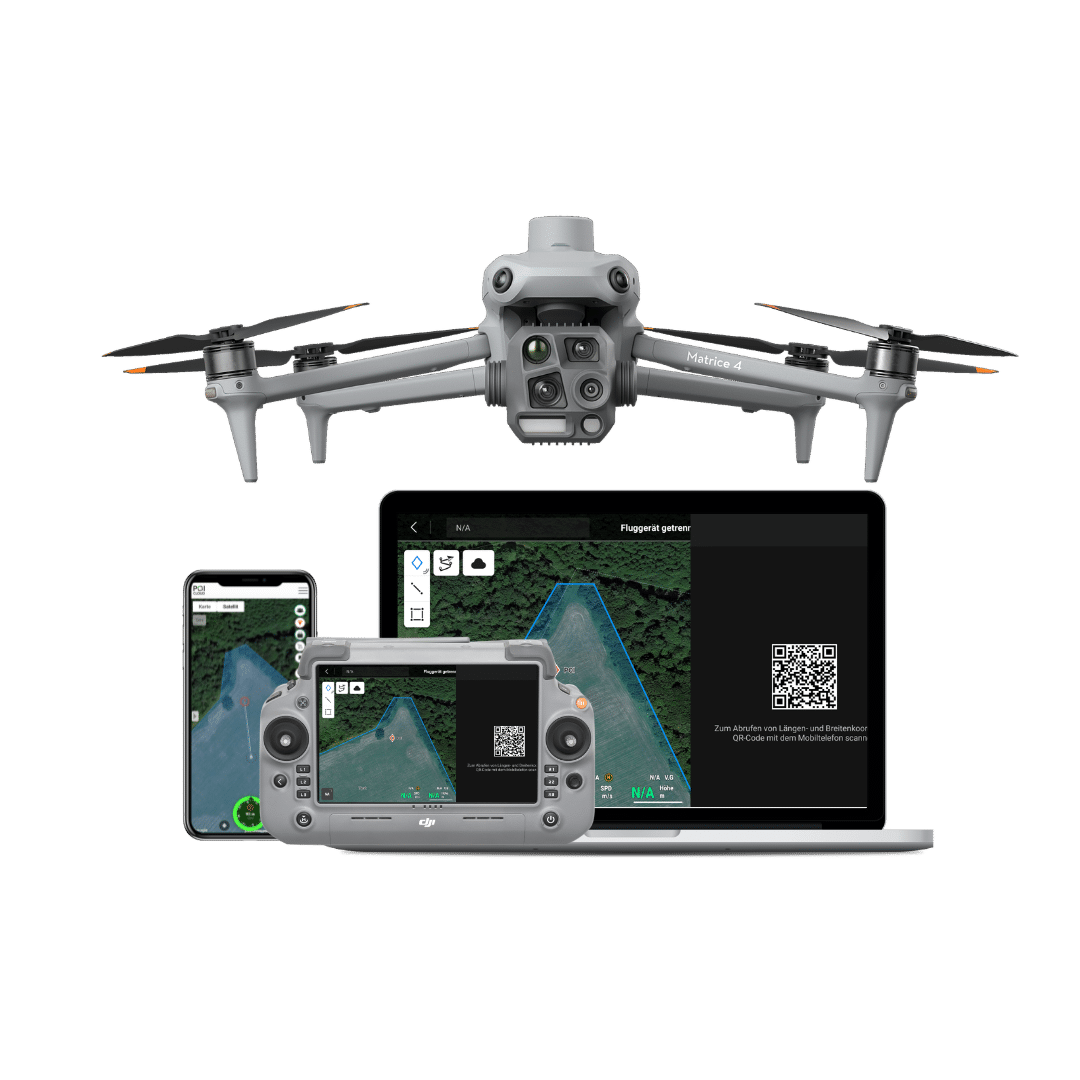
POIConnect connects your drone to our cloud, transfers PinPoints/POIs to our app and flight plans from the cloud directly to the remote control.
thermalDRONES POIStudio
Analyse
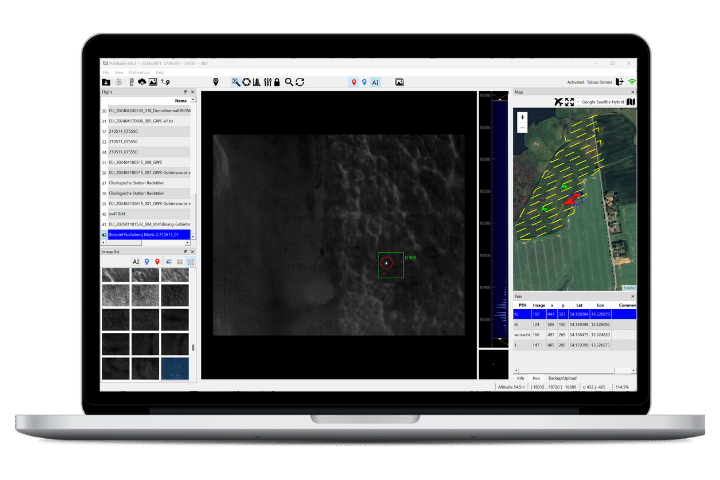
POIStudio enables the evaluation of thermal images with image optimization and artificial intelligence, and locates and transfers the findings to the cloud.
News about POISuite
-
POISuite 2025
For the 2025 season, we have many new features in the pipeline! Area Planning, Assignments, and Missions Look forward to the even tighter integration of area planning, assignments, and missions, which will significantly simplify your work. In the future, your missions will be directly accessible on the remote control with a single click. Institutions, Divisions, […]
-
POICloud and EasyPOI
Just in time for the upcoming fawn season, we are pleased to introduce our new POICloud with the EasyPOI function. POICloud is the next step in our thermal DRONES app and will run alongside it this season. This means you can decide which platform you prefer to work with. Your data will be available on […]
-
Fawn rescue 2024: from the remote control to the smartphone with just one click
Transfer the position of the fawn from the remote control to the smartphone of the helpers with one click – thanks to the seamless integration of our app with the current DJI remote controls (M3T, M30T, M300/350). With the POIApp – our smartphone app for wildlife rescue – all team members navigate to the fawn […]
Tips & tricks for POISuite
-
Navigate to discovery sites with any drone
The POIApp enables you to navigate to locations identified by the drone via GPS. By manually transferring the locations, this is possible with all drones that can display the drone’s current location as coordinates on the screen. We demonstrate how this works in the following video. Transfer coordinates to the POIApp Manually record locations from […]
-
Fly to locations with the POICloud
The POICloud saves locations and makes it possible to fly to them again later in a targeted manner. For this purpose, markings set with the remote control or with POIStudio are transferred to the remote control and can then be approached. Fly to locations again in the afternoon and transfer them to the app via […]
-
Use the POIApp free of charge
Many features of our POIApp can be used free of charge to support your wildlife rescue efforts. All volunteers can use the app with its full range of functions free of charge. Teams without a license for POIStudio or easyPOI can still use the app to navigate to POIs and leverage the benefits of georeferencing. […]