Setting up Remote ID on DJI drones
In Europe, all drones operated in the specific category, as well as all drones with class markings (e.g. C2) operated in the open category, must transmit a Remote ID.
The following data will be sent by your drone:
- Registration number of the drone operator (e-ID)
- Drone identification number (serial number of the drone)
- Position, route and speed of the drone
- Position of the remote control
- Timestamp
- Emergency status of the drone
For DJI drones, the Remote ID can be set up directly via the remote control. In this article, we will show you step by step how this works.
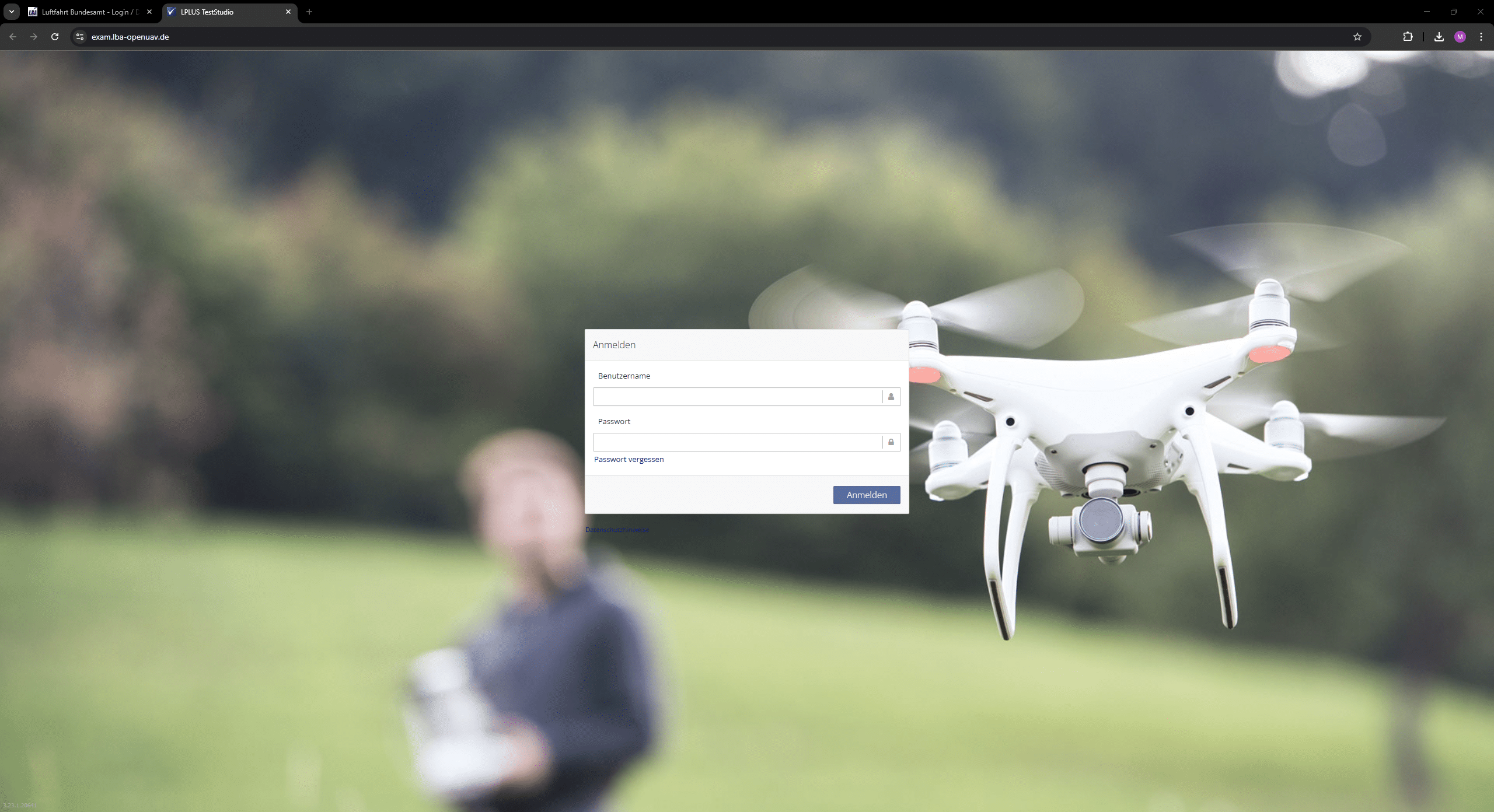
1. Go to https://uas-registration.lba-openuav.de/ and log in with your login details.
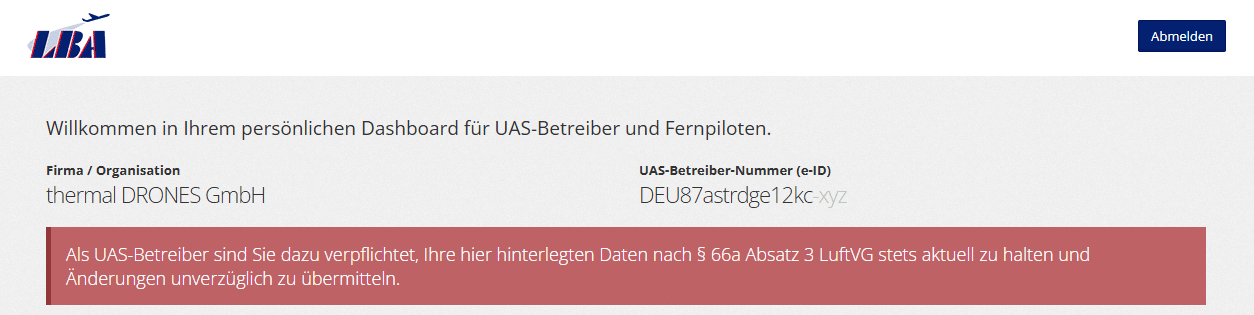
2. After logging in, you will see your UAS operator number (e-ID) in the top right of the dashboard.
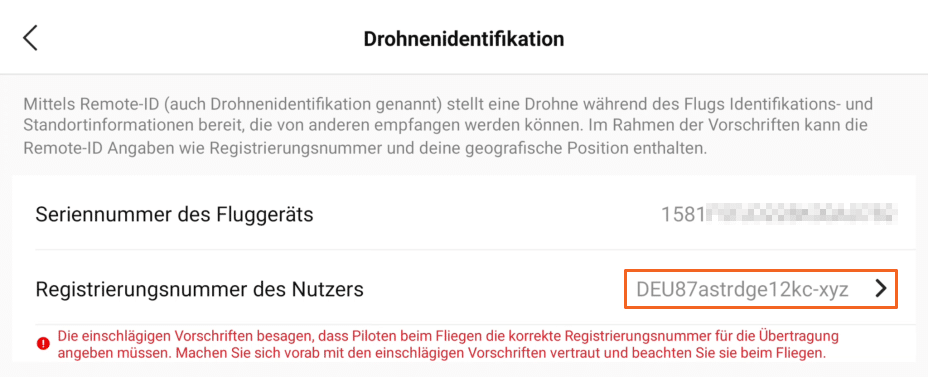
For the Remote ID you need the entire number, including the last three digits (this is the PIN).
3. Switch on your drone and the remote control.
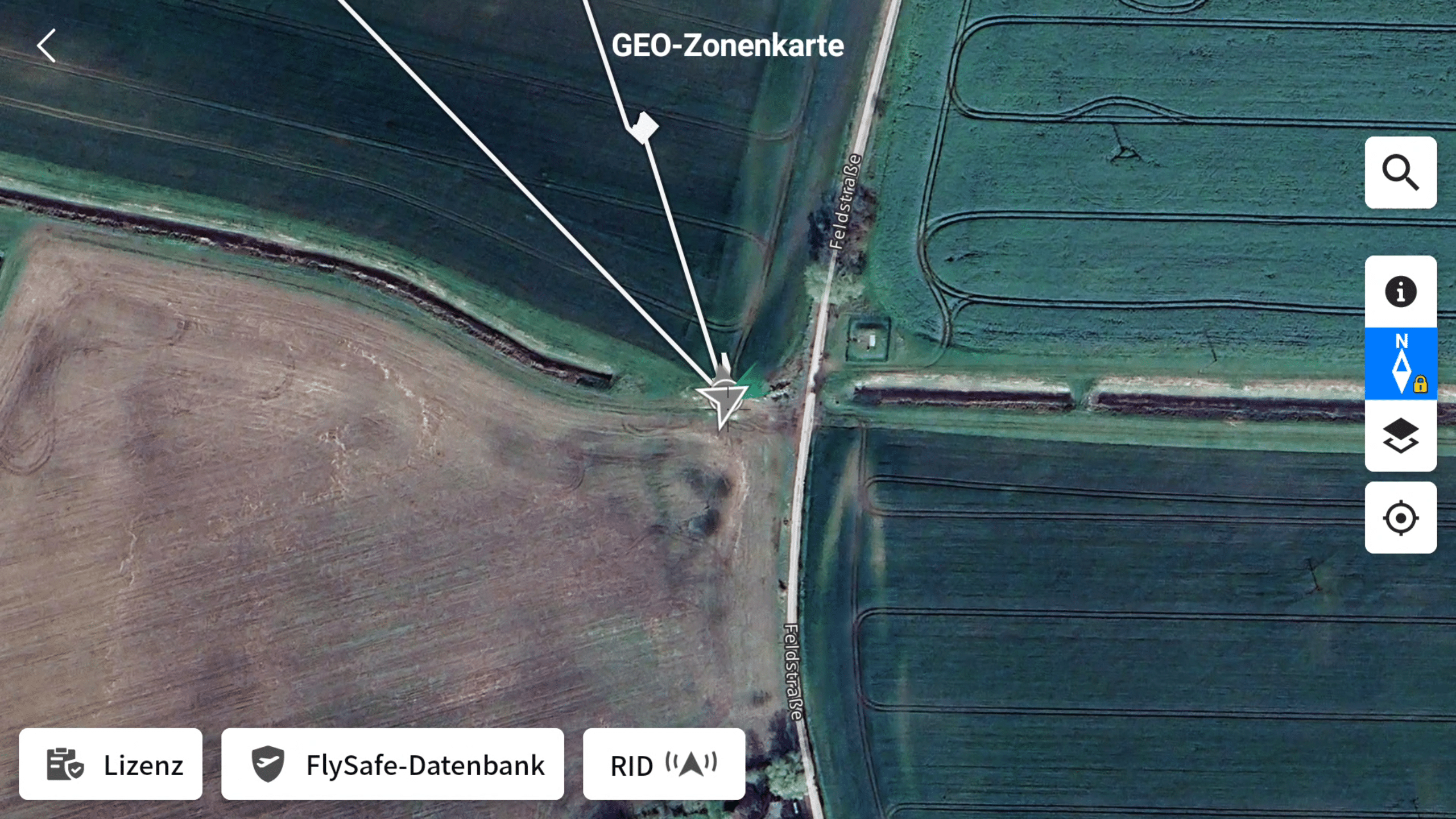
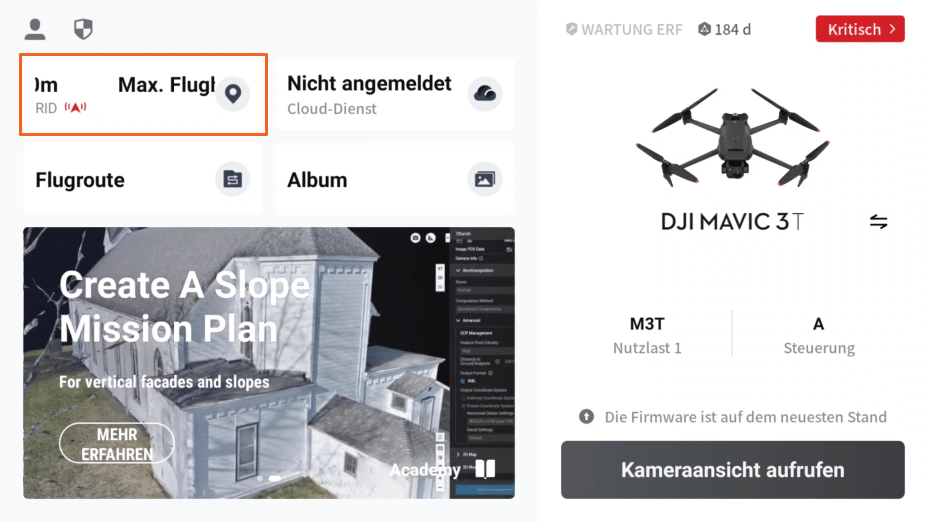
4. Open the DJI Pilot App and tap on the tile in the top left to get to the GEO zone map.
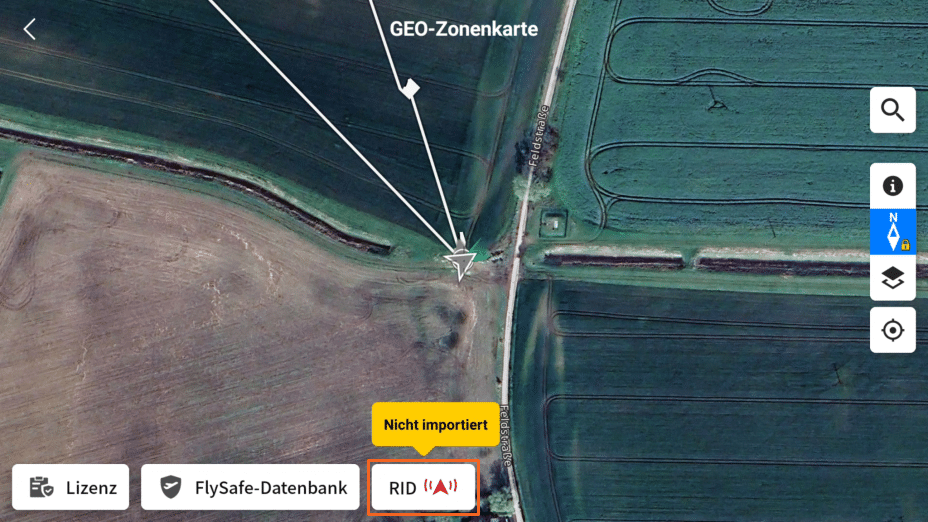
5. Tap on RID at the bottom.
6. Now enter your complete operator ID (including PIN) in the User registration number field.
7. The symbol next to “RID” in the map is now gray (it was red before) – this shows that everything is set up correctly.