
Perform DJI Maintenance
The DJI Maintenance Program is a long-term maintenance service for DJI drones, aimed at preserving the performance and safety of the device throughout its entire lifespan. Through regular inspections and maintenance, potential issues can be identified and resolved early.
One maintenance service is included free of charge in the first year of DJI Care Refresh. After the first year, the maintenance service for the respective product can be easily purchased through our shop.
If you have already purchased a DJI Maintenance Code, you can directly proceed with Step 2: Request Maintenance Service.
1. Request DJI Maintenance Code (Only in the first year of DJI Care)
To use the free maintenance service of DJI Care Refresh, you must obtain a Maintenance Code from DJI.
Here's how to proceed:
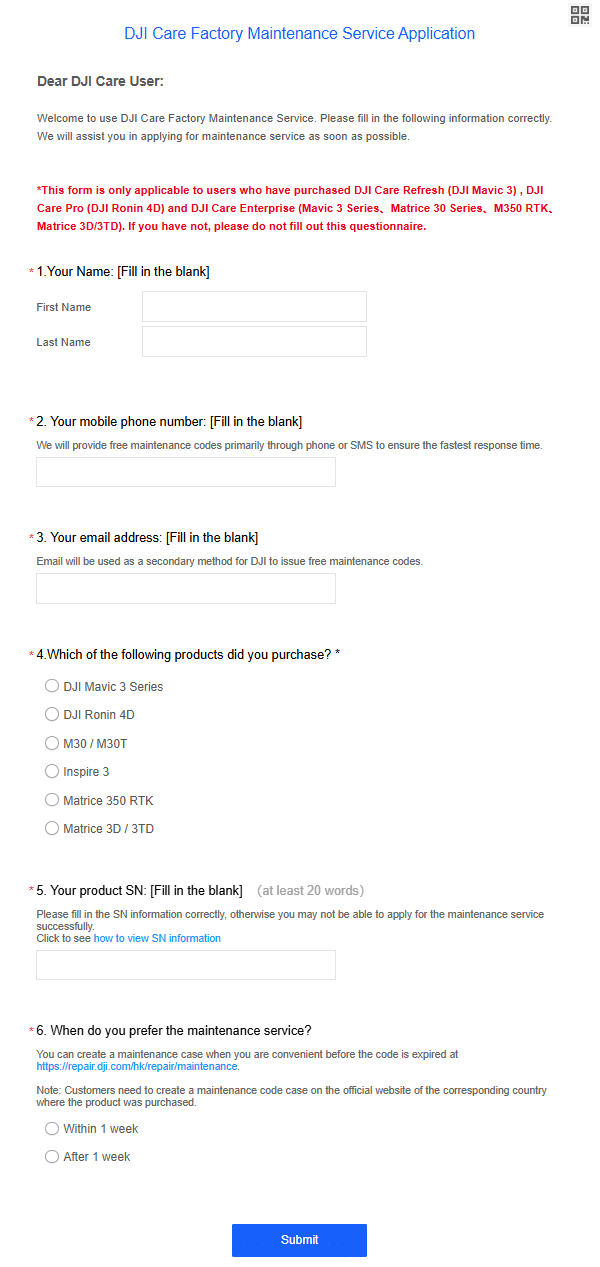
- Access the form via the following link: Fill out the form
- Enter the required information.
- After submission, you will receive a Maintenance Code from DJI within 1-2 days.
2. Request Maintenance Service
With the Maintenance Code, you can now initiate your maintenance request.
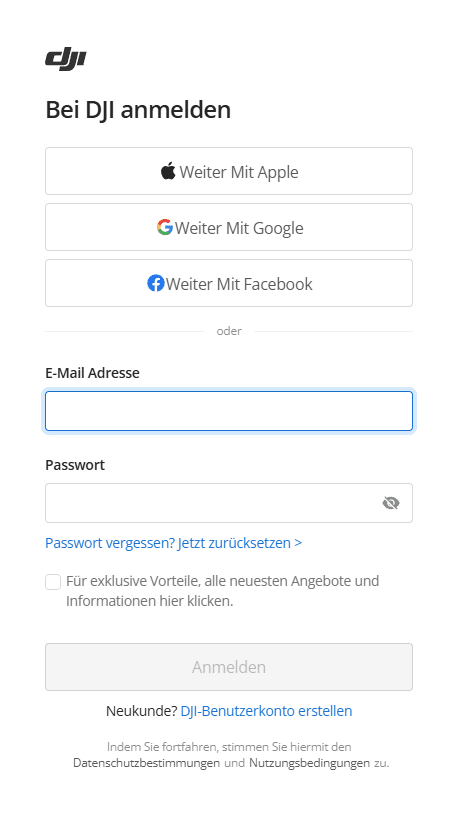
1. Log in with your DJI account on DJI Repair.
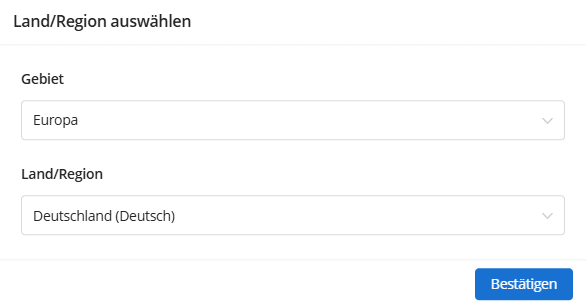
2. Select Europe as the region and Germany (German) as the country/region.
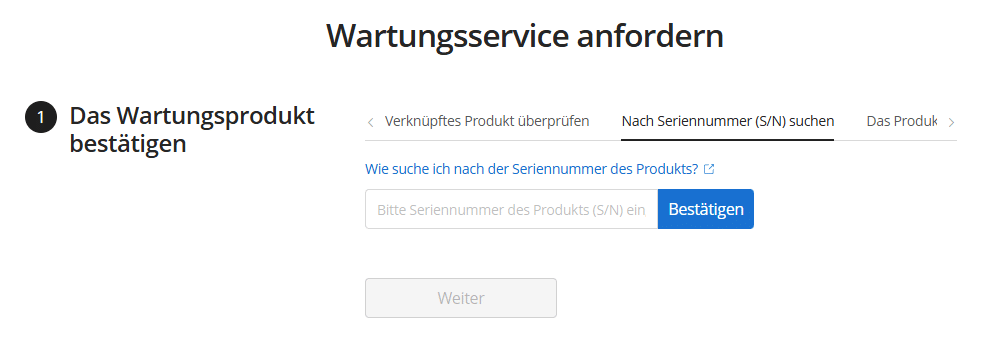
3. Either select your already linked device or manually enter your drone's serial number.
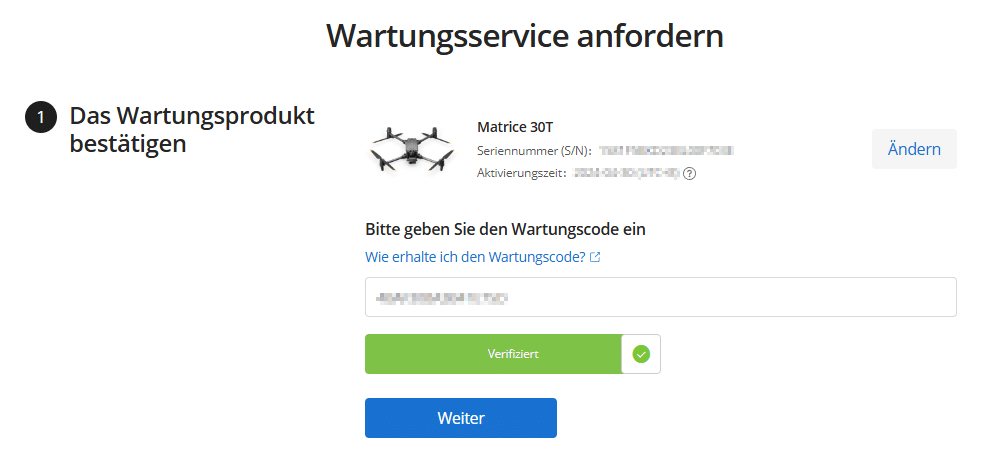
4. Enter the received Maintenance Code and click "Continue".
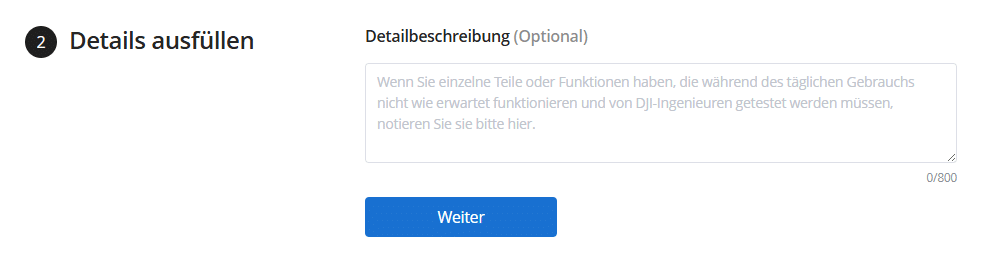
5. Optional: Provide a fault description if you have specific issues with the drone.
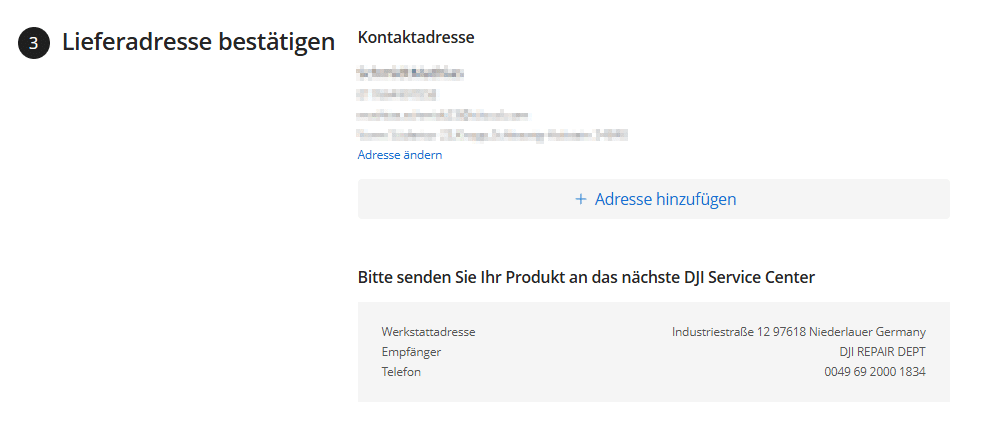
6. Verify or provide the return address for your drone.
7. Confirm the privacy policy and terms of use and submit the maintenance request.

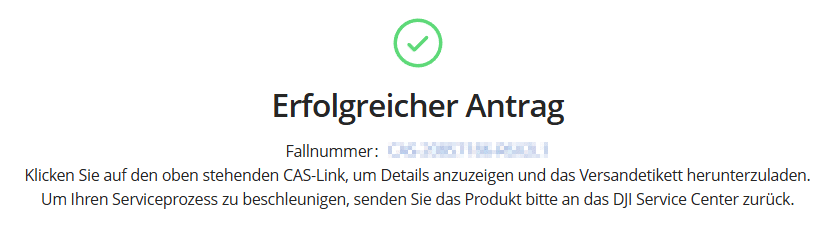
8. With the case number, you can check the status of the maintenance at any time in your DJI account or via the Service Progress Inquiry.
3. Ship the Drone
After successfully submitting your request, you will receive an email from DJI with a shipping label and further instructions.
The costs for round-trip shipping will be covered by DJI, as long as the DJI Maintenance Program is used in the corresponding covered region.
Please note the following steps for shipping:
- Back up data: If there is important data on your drone, create a backup beforehand, as all data will be deleted during maintenance. Also, remove the SD cards from the drone.
- Packaging: Securely pack your drone in the transport case along with batteries, chargers, and other DJI accessories.
- Remove non-DJI products: Remove all non-DJI products from the case.
- Damaged/defective batteries: Do not ship swollen or leaking batteries.
- High-capacity batteries: Batteries with a capacity of more than 100Wh (e.g., TB30 & TB60) are considered dangerous goods and should not be shipped via standard transport methods.
- Secure packaging: Carefully pack the transport case in a sturdy outer carton. Ideally, use the original box.
- Remove old labels: Remove or cover all old shipping labels and barcodes on the carton.
- Attach shipping label: You can either print the shipping label yourself and attach it to the carton, or show the QR code at the parcel shop for DHL to print the label for you.
- Drop off at DHL: Take the package to the nearest DHL parcel shop. You can find the nearest location here.
DJI will inform you about the maintenance status via email and then return the drone to you.