
Fawn Rescue: Involving Helpers Without an Account, Roles and Guest Links
Helpers, hunters and authorities can take part in fawn rescue without registering. This is how roles, contact link and guest link in POICloud decide who sees and does what.
If you want to involve helpers in fawn rescue without an account, you don't need password lists. In POICloud, admins and team members work with an account, farmers with their contact link and guests with a time-limited guest link. Everyone gets exactly the access they need. The whole operation from field to report is described in Organizing Fawn Rescue with POICloud.
Four ways in for four tasks
Admins and team members, that is pilots and helpers, have an account. Farmers work via their contact link, guests via a time-limited guest link. That way hunters, helpers or authorities can take part without registering. Anyone who helps more often becomes a team member and uses the POIApp.
Guest links for helpers, hunters and authorities
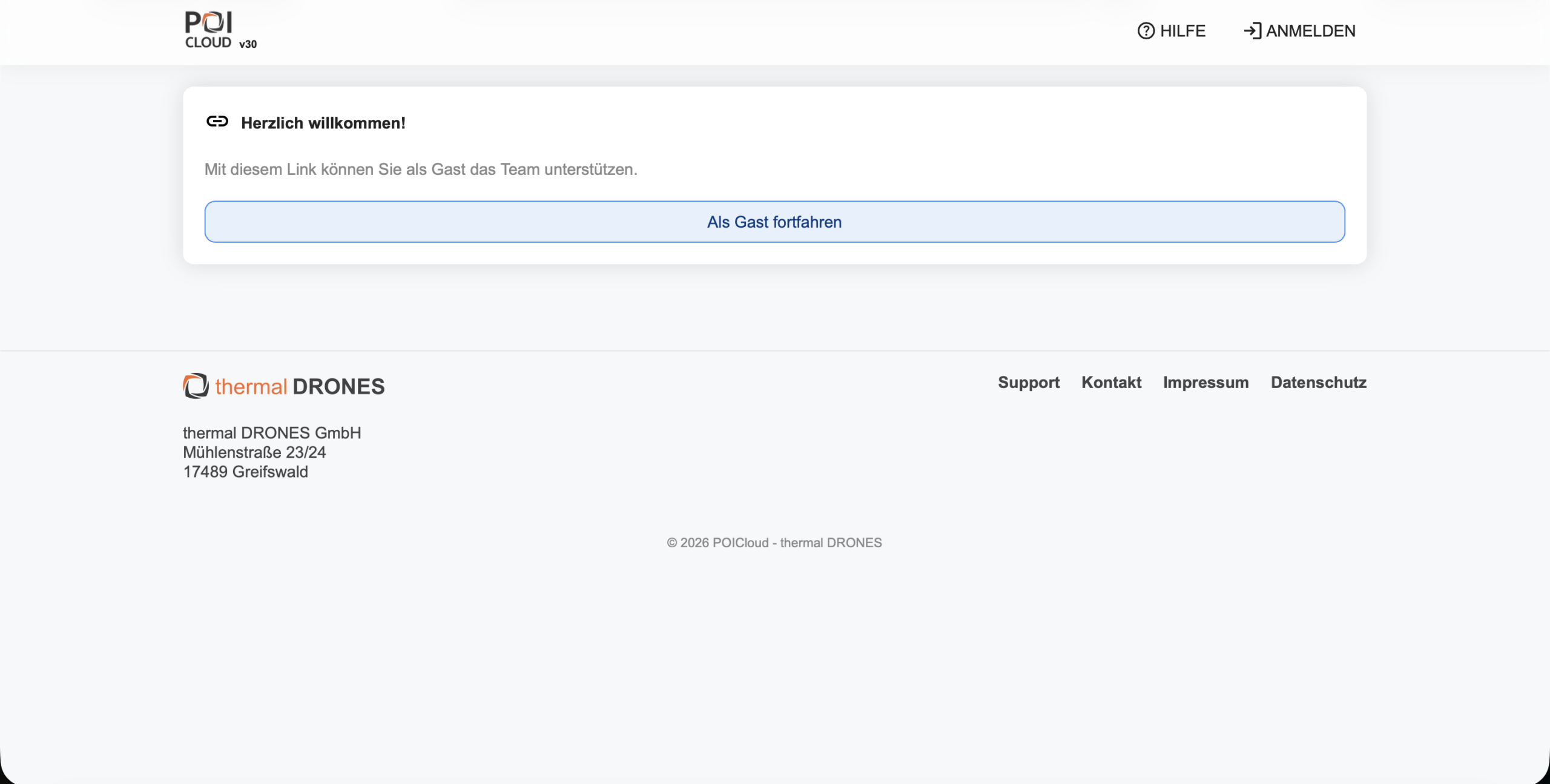
A guest link is a time-limited access. You create it with a description for a team and can enable the live stream and the confirmation of finds with it. Helpers on site can then confirm finds without having an account. You can also pass the guest link on as a QR code, with your organization's logo.
How to set up guest access is described in the guest access documentation.
Farmers see what you release
Farmers see their fields, jobs, operations and reports without an account of their own, create fields and submit requests. You set the rights per contact: see finds, edit markers, see live streams. How the requests arrive is covered in Fawn Rescue: Accepting Jobs Online.
Setting up teams for the season
Teams get a colour and an image. There are public teams and automatic joining, also time-controlled. People are invited by link, QR code or code, and anyone who wants to take part can request membership. That way helpers can be assigned quickly at the start of the season.
| Task | Admin | Team member | Farmer | Guest |
|---|---|---|---|---|
| Create and edit fields | yes | yes | yes | – |
| Submit requests, create jobs | yes | yes | yes | – |
| Plan operations | yes | yes | – | – |
| See the operation schedule | yes | yes | yes | – |
| Generate flight routes | yes | yes | – | – |
| Set finds | yes | yes | – | – |
| See finds | yes | yes | with approval | with approval |
| Confirm finds | yes | yes | – | with approval |
| See the drone's live image | yes | yes | with approval | with approval |
| Retrieve the job report | yes | yes | yes | – |
| Export data | yes | yes | – | – |
| Manage organization, teams and contacts | yes | – | – | – |
“With approval” means: the organization enables it per farmer or per guest link.
Frequently asked questions
Frequently asked questions about roles and guest links
Do helpers need an account?
No. A guest link is enough. It is time-limited and needs no registration. Anyone who helps more often becomes a team member and uses the POIApp.
Can we decide what guests and farmers see?
Yes. Finds, live image and the confirmation of finds are enabled by the organization per farmer or per guest link.
Who may plan operations and generate flight routes?
Admins and team members. Farmers and guests see the schedule and the results but do not plan.
Read on
What guests and helpers see during an operation
How the live image reaches dispatch, farmers and guests is covered in Fawn Rescue: Sharing the Drone's Live Image. How a find is confirmed and the fawn secured is covered in Found Is Not Yet Rescued. Every step is described in the POICloud documentation.
Demo